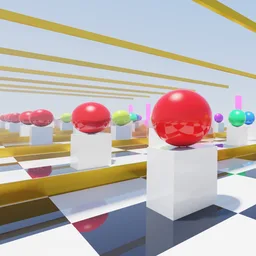
Summary
This project is a demonstration of path tracing in the ROBLOX game engine, using only Luau. I designed this to demonstrate that it is possible to make a high-fidelity live, playable demo of path tracing in ROBLOX. Now, others do exist, but this one pushes the boundaries of efficiency and quality, no longer being limited to just rendering an image or using no-bounce live modes with boring shadows.
Why?
Well, one thing I love in games that others either kinda like or hate is ray tracing tech. Seeing hyper-realistic shadows, reflections, refractions and exactly how light behaves in real-time on a computer is simply, super satisfying.
In the past, ROBLOX shaders have existed, although they were rather dull. They made EVERYTHING look glossy, oversaturated, and didn’t solve the core issue of poor lighting. Then, they were killed off during the client modification crackdown, and just haven’t worked since.
If they want realism, they should give developers the tools to do so rather than forcing uncanny, realistic avatars. And ray-tracing tech is a great way to do this.
Device support is an issue that won’t be one in the near future. Nearly every new mobile chipset and desktop GPUs (and some iGPUs!) have built-in hardware ray tracing, and every console since 2021 also has it! Soon, there will be enough of a proportion of people with this technology for compatibility to be a non-issue.
But, in the meantime, why not make it myself? So, I did exactly that, to prove it’s possible.
Features
Path Tracing
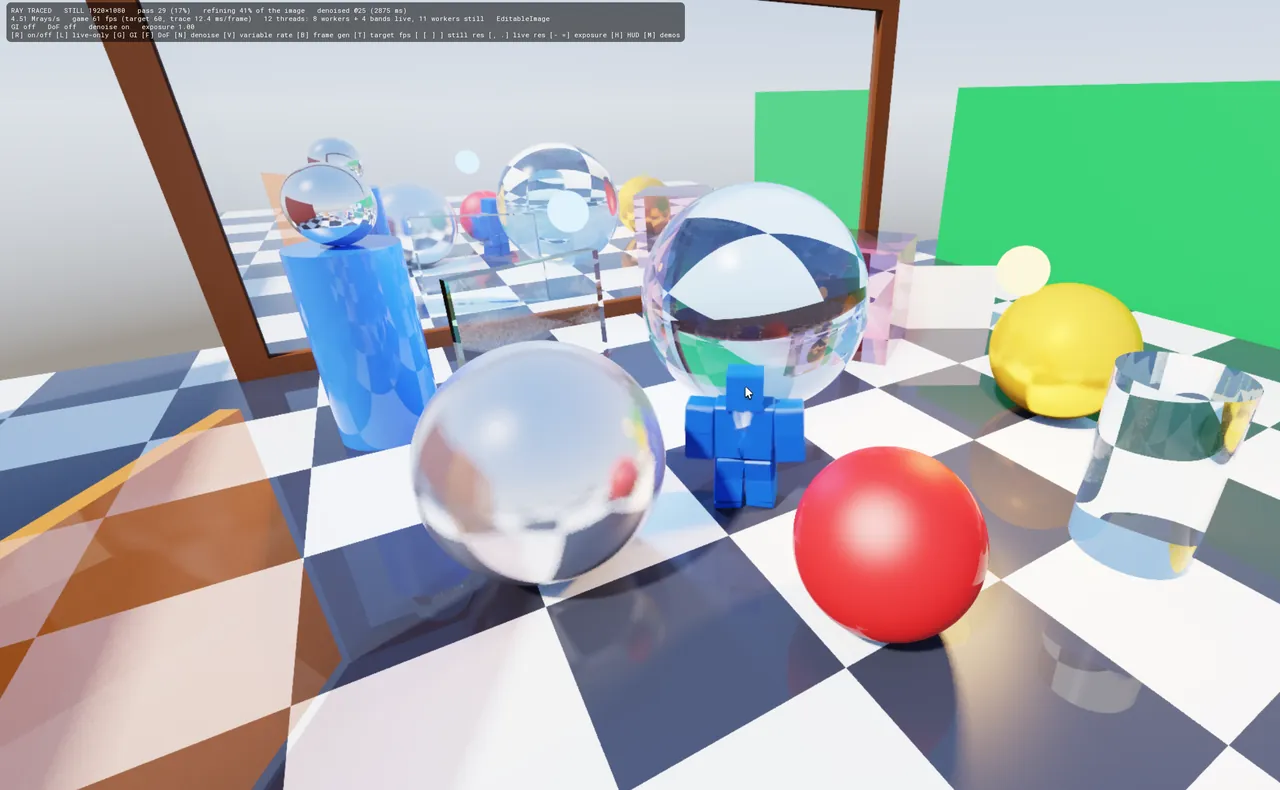
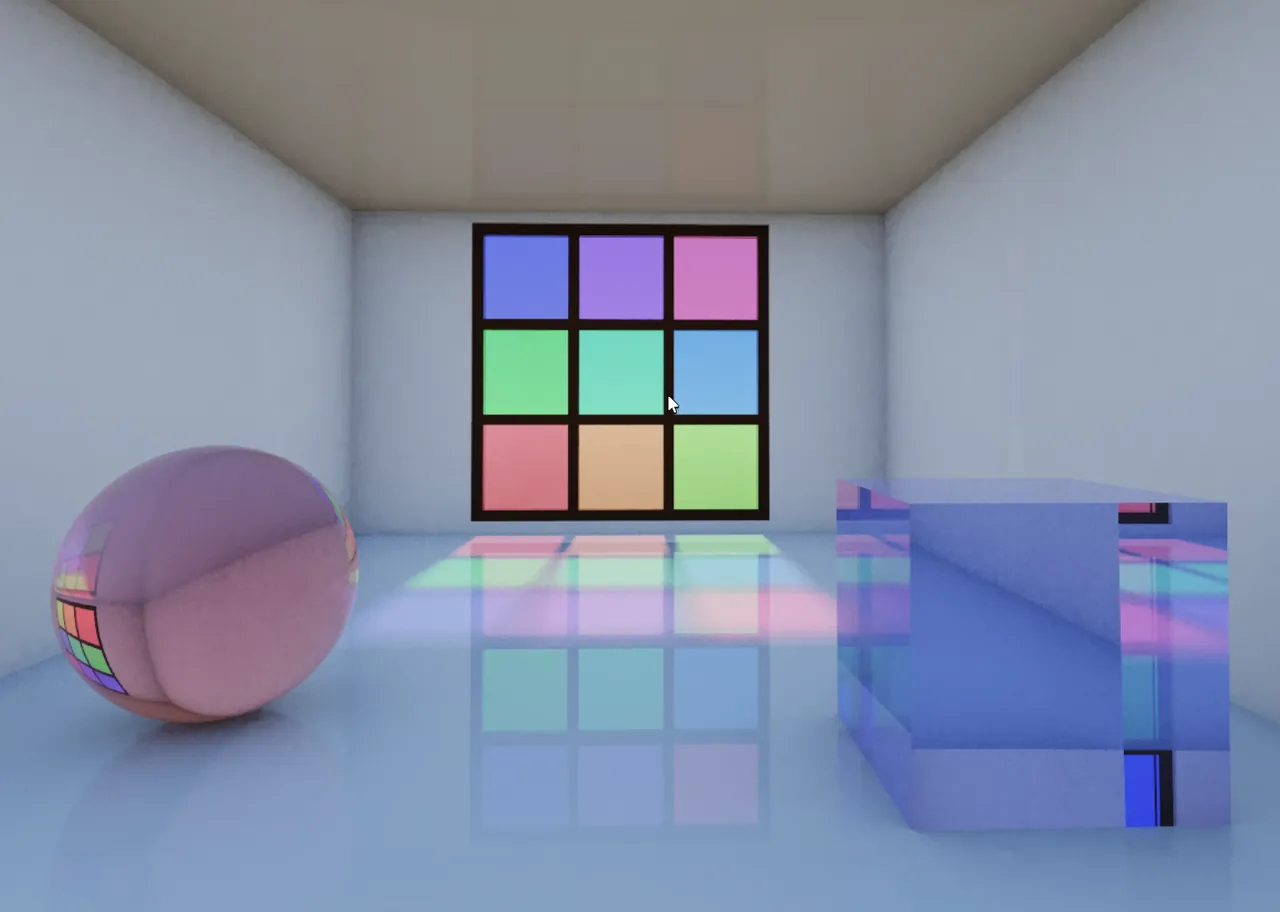
This is, of course, fully path-traced. The whole point of this project. It includes the Russian Roulette algorithm, light scattering, light bleeding etc.
It looks absolutely spectacular when in static mode, with the full resolution. You ask someone what game it is, they’d never know it’s ROBLOX.
To achieve this, I used an EditableImage that covers the user’s full screen. The tracer calculates what ray would hit the screen, and paint that ray where it would hit. This is fully local, and so incredibly fast.
Pixel Reusage
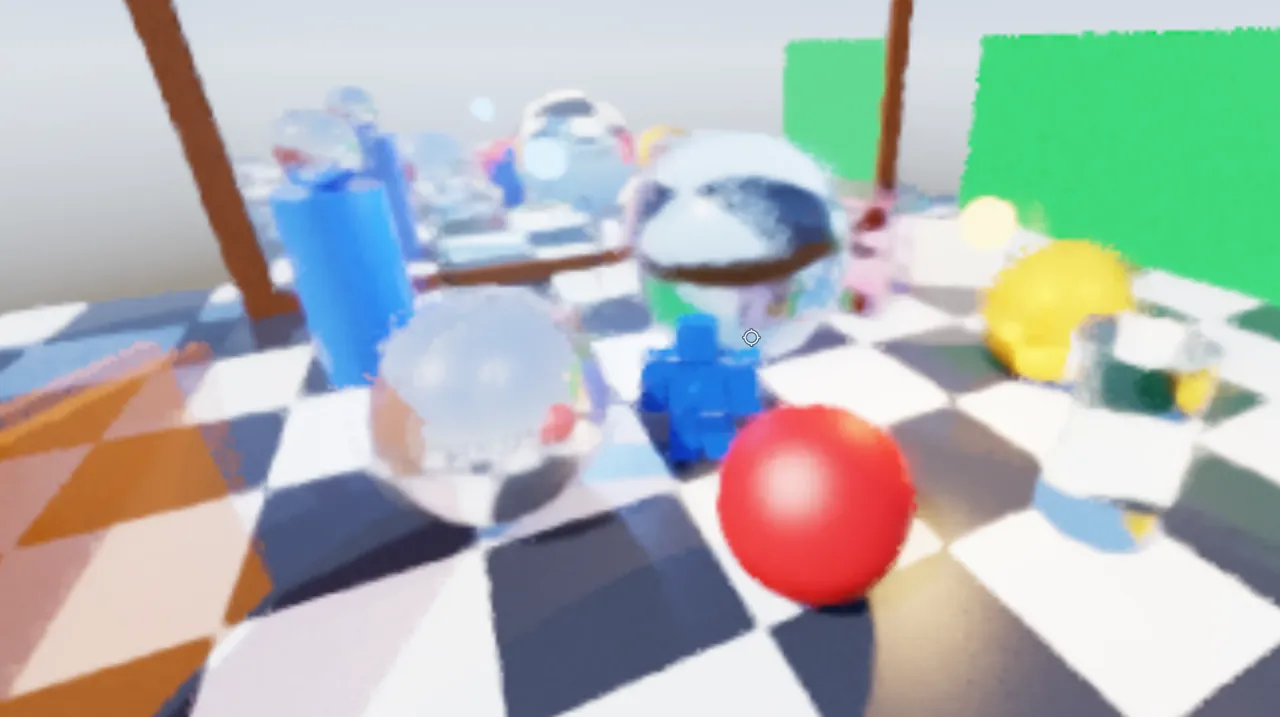
The next feature I added is pixel reusage, to lighten compute. It reuses similar pixels from previous frames to reduce how much needs to be computed in the next frame, which is the biggest framerate booster in this project so far. However, this comes at the cost of noise, and that’s where the denoiser comes in.
Denoiser
A denoising algorithm eliminates noise by blending in with the surrounding pixels to be as similar as possible, which reduces visual noise and cleans up the image, making live mode and renders look far neater. It tends to crush accuracy a tiny bit on live mode, but this is a non-issue when rendering.
Demos
There are a multitude of demos available for this project, and you can change the time of day.
Frame Interpolation EXPERIMENTAL
This feature is definitely a big tradeoff, it ruins image quality at the cost of being a bit smoother. Avoid this feature, it’s experimental.
Global Illumination
What it says on the tin, adds RTGI.
Tech
A big limitation is that ROBLOX does not expose ray query APIs to the editor. This means I cannot utilise hardware acceleration. Instead, this is fully CPU-bound, and live mode must be done at a very low resolution. Rendering a full-res 1080p scene with the max samples takes a few minutes on my hardware:
- TEST RIG
- CPU
- AMD Ryzen 5 7600X
- RAM
- 16GB DDR5 5600 CL46
- Live mode
- ~20-30 fps at around 600x400
- Full render
- a few minutes at 1080p, max samples
Modest but effective hardware for this. Live mode at around 600x400 gets me ~20-30fps. This did keep my CPU maxed out the entire time, though!
The project also counts the available CPU threads, and then assigns a worker to each thread, ensuring all available compute is utilised. This, however, means this hammers battery life.
Try it!
I would absolutely love for you to try this out yourself rather than just taking my word for it. The place is uncopylocked, so you can play around with the code however you want (I’m not liable for what you do!):
Unfortunately, due to ROBLOX's new age restrictions, your account must be marked as 16+ until I pay the review fee (which is never happening). I can't do anything but pay that fee.
Gallery
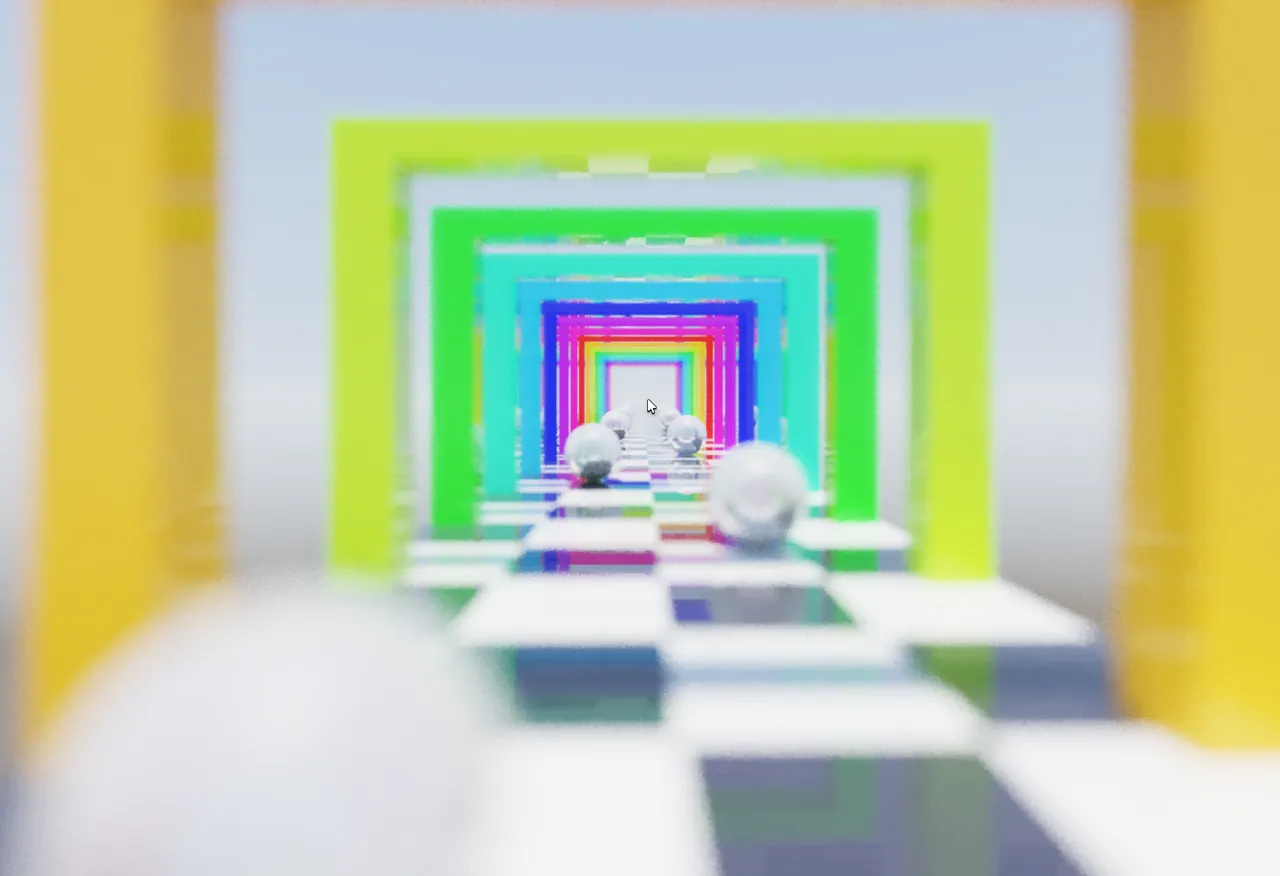
Here is a gallery of images from the project: